Team or Organization?
Depending on your needs, you can either set up Quntem KeyStone for a team or an organization.Team
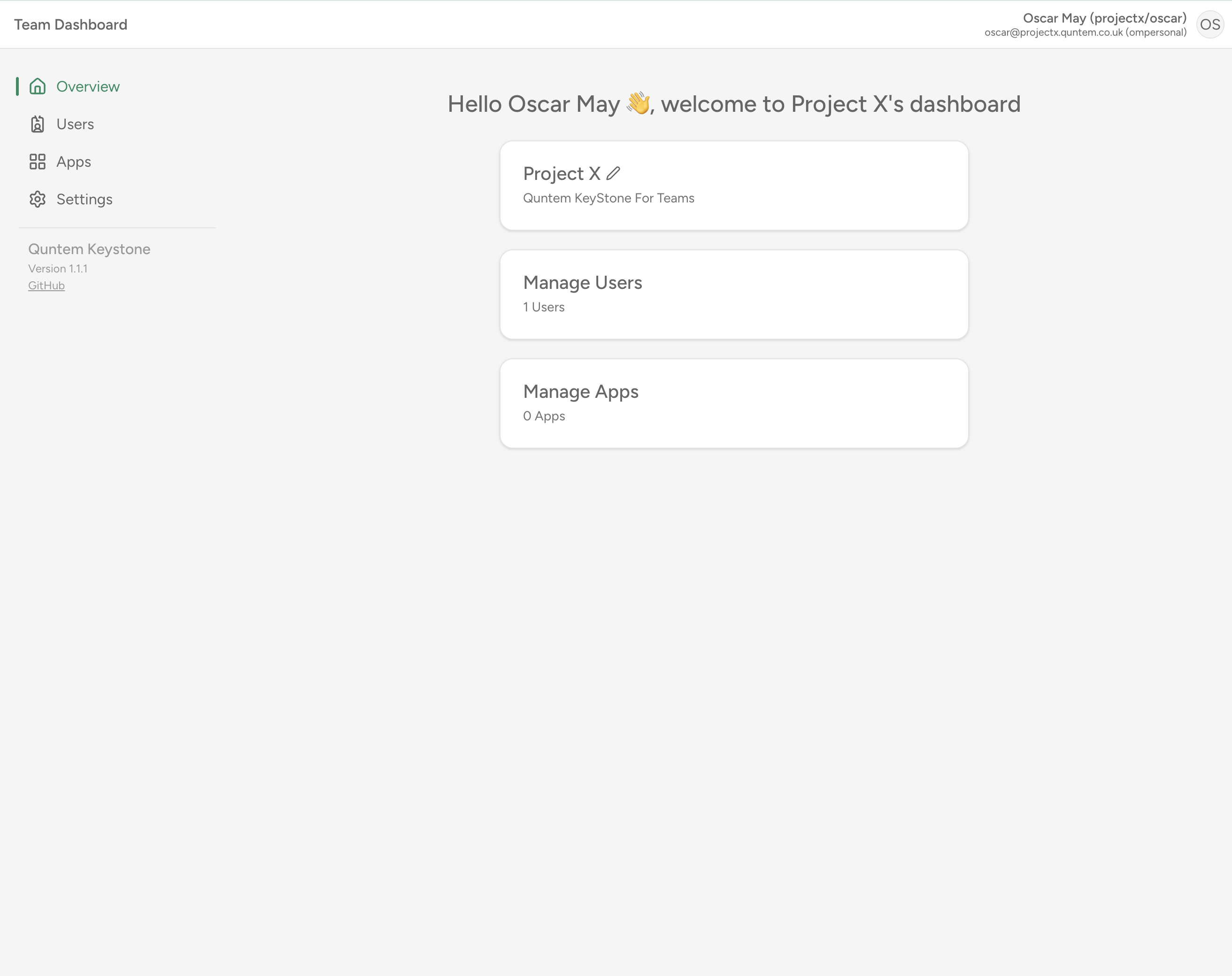
A team is designed for smaller groups of users, such as a small team of developers or a small team of designers. They will not have a verified domain, and cannot create internal apps. This option will not require help for your IT department.Organization
An organization is designed for larger groups of users, such as a large team of developers or a large team of designers. They will need a domain with permissions to modify DNS records. This option will require help for your IT department to verify your domain. With this option, you will be able to create internal apps.Setting up Quntem KeyStone
Setting up Quntem KeyStone is a quick process, but it still requires a few steps.- Organization
- Team
Create a tenant
Navigate to KeyStone and fill in the form and click “Get Started”.
Sign in to the Admin Center
Sign in to the new account you just created.
Once you are signed in, click “Admin” in the left sidebar. This will take you to the Admin Center. It should look like this: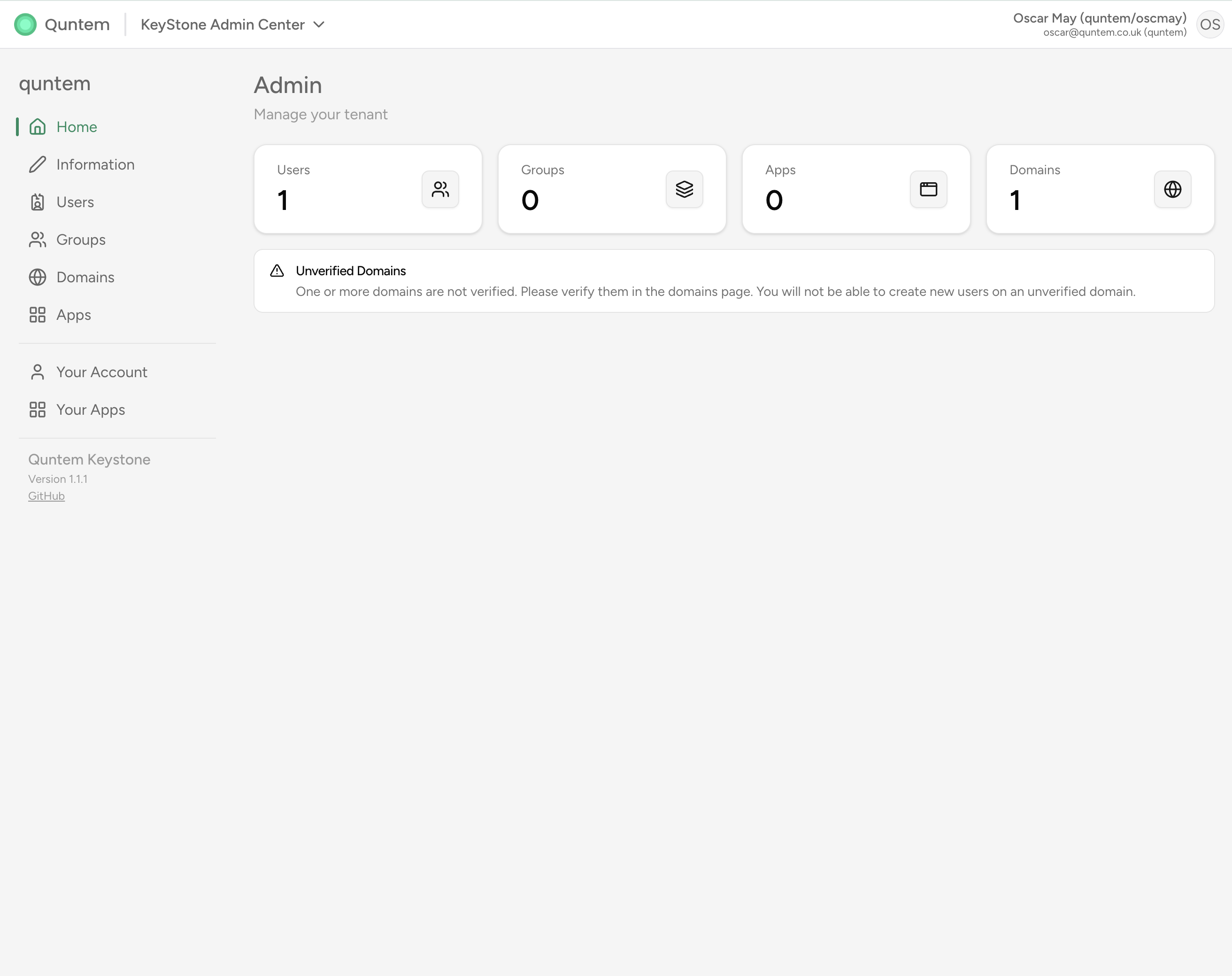
You can either use your email, or the username in the format “tenantname/username”
Verify your domain
On the Admin Center, navigate to the “Domains” tab. You should see the domain you entered in the Sign Up form. Click the domain name to open the domain settings.
Enter the information from the settings page into the DNS records of your domain.
After the DNS records have propagated, click “Verify”. If it doesn’t work, try waiting an hour and clicking “Verify” again.
It may take up to 1 hour for the DNS records to propagate.